Startup Items
Startup Items
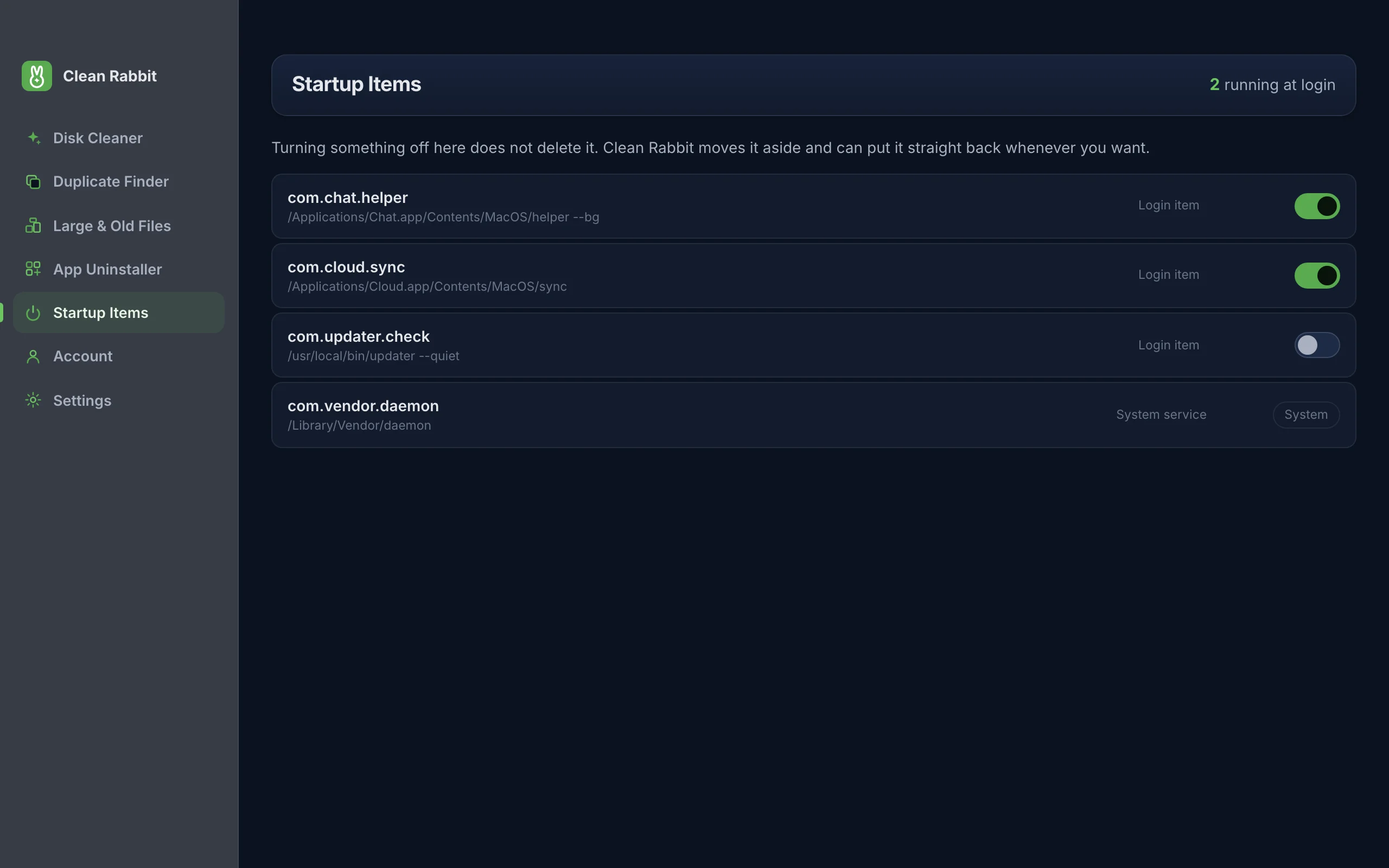
Apps and helpers that start at login slow your computer down before you have opened anything. See them all in one list and switch off the ones you do not need, knowing you can switch them back on.
Free · 10 MB · other platforms and system requirements
Where it looks
| System | Your items | System-wide items |
|---|---|---|
| macOS | ~/Library/LaunchAgents | /Library/LaunchAgents and /Library/LaunchDaemons, shown but protected |
| Windows | Your Startup folder and the Run registry key for your account | The Run registry key for all users, shown but protected |
| Linux | ~/.config/autostart | /etc/xdg/autostart, shown but protected |
Switching off is reversible
Disabling an item moves it aside rather than deleting it. Switch it back on and it returns exactly as it was. Nothing is lost if you change your mind.
System-wide items are shown so you can see everything that runs, but they are locked. Changing them needs administrator rights and can break drivers, security tools or sign-in.
What is usually safe to switch off
- Updaters for apps you rarely use. They still check when you open the app.
- Chat, music and cloud apps you would rather open yourself.
- Helpers left behind by apps you have already removed.
Leave anything tied to your keyboard, mouse, graphics, VPN, backup or security software unless you know what it does.
Questions
Will switching items off break an app?
The app itself still works when you open it. Some features that run in the background, such as sync or automatic updates, pause until you open the app or switch the item back on.
Does it need administrator rights?
Not for your own items. System-wide items are protected.
Try Clean Rabbit
Free for Mac, Windows and Linux. ~10 MB, no card, no trial.
Free · 10 MB · other platforms and system requirements